
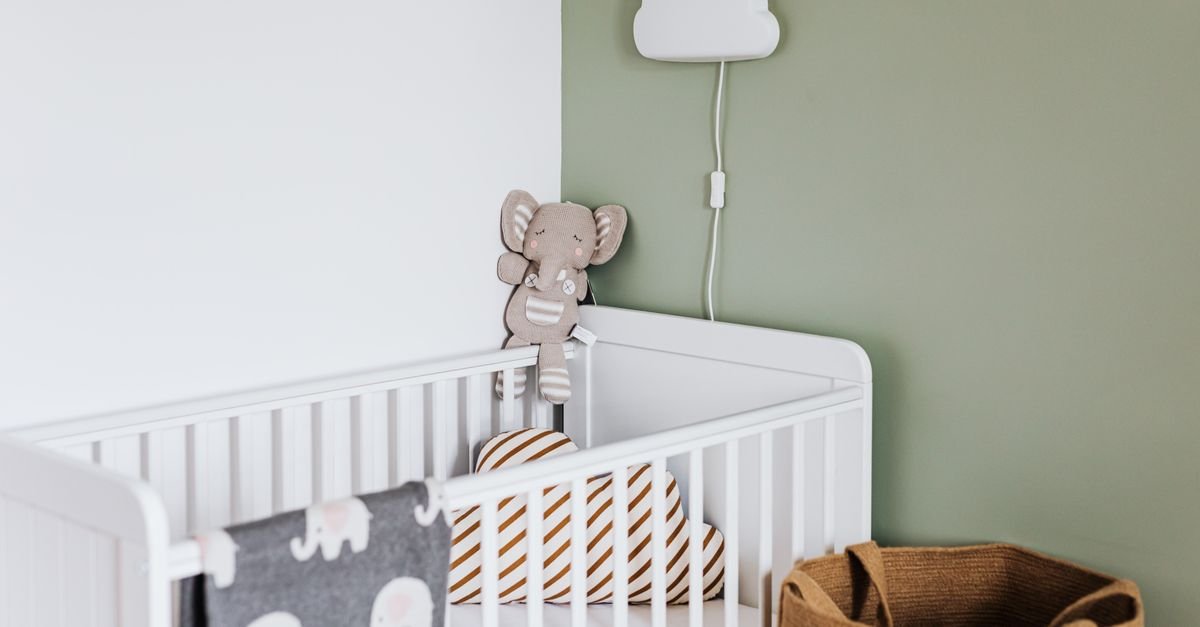
Choosing a baby monitor comes down to one fork before any feature list: a dedicated non-WiFi monitor (sealed radio link, zero hacking surface, zero fees, works when the internet doesn’t) or a WiFi smart monitor (phone access anywhere, sleep analytics, grandparent sharing — in exchange for app dependence and often subscriptions). Decide that fork honestly for your household, then buy the best-reviewed unit in your budget with the four specs that actually matter: clear night vision, real-world range, parent-unit battery life, and reliable audio.
Also Read



This is the complete buying guide: the fork explained, the specs decoded past the marketing, the vitals-monitor question answered gently, and the setup rules (including the cord-safety one every parent must know).
Key Takeaways
- Non-WiFi monitors win on privacy, reliability, and lifetime cost; WiFi monitors win on remote access and smart features. Neither is “better” — households are.
- The four specs that matter: 1080p-class video with clean infrared night vision, through-wall range (discount advertised numbers ~40%), 8+ hour parent-unit battery, and clear two-way audio.
- Subscription math is real: a smart monitor’s lifetime cost can run triple its sticker once the good features go behind a monthly fee.
- Vitals-tracking monitors (pulse-ox socks, breathing sensors) are peace-of-mind devices, not medical devices — they don’t prevent anything, and false alarms cost real sleep.
- Camera cords mounted within reach of the crib are a strangulation hazard — three feet minimum from any part of the crib, always.
- If you buy WiFi: change the default password, enable two-factor authentication, and keep firmware updated — the horror stories are all skipped-settings stories.
The Fork: Non-WiFi vs. WiFi (Decide This First)
The Case for Non-WiFi (The Reliability Camp)
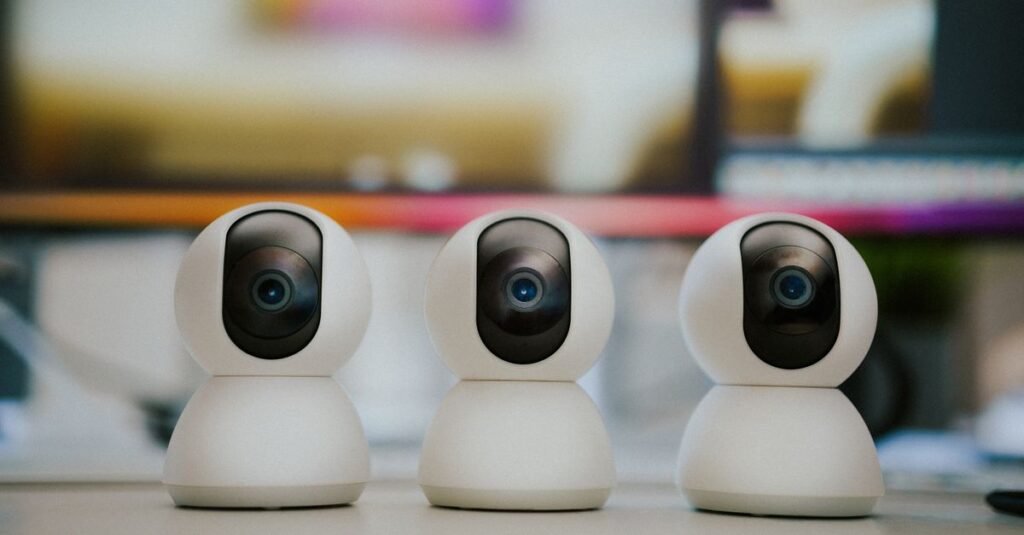
A dedicated monitor pairs its camera to a handheld parent unit over a sealed radio link: nothing to hack, nothing to subscribe to, nothing that fails when the router hiccups at 3 a.m. Setup is plug-and-done, the video feed starts instantly, and year three costs the same as day one: nothing.
The trades: you can only watch from inside range (home and yard), there’s no phone app for the office check-in, and analytics don’t exist. For parents who are home when baby sleeps and want a tool rather than a platform, this camp wins — and the current generation offers HD video, pan-tilt-zoom, and dual-camera support that used to require WiFi.
The Case for WiFi (The Access Camp)
Smart monitors stream to your phone anywhere, offer sleep tracking and clips, and let grandparents or a sitter share access. For parents who travel, work away from home, or genuinely want the sleep data, the access is real value.
The trades: the camera lives on your network (security hygiene required), the app is a dependency, and the subscription economy is aggressive — many brands paywall the analytics that justified the purchase. Read the fee schedule before the reviews.
The 2026 Hedge
Dual-mode monitors — a dedicated parent unit at home, app access when away — have matured into the honest compromise, at a mid-premium price. If the fork genuinely splits your household, this is the exit.
Fathercraft — who battle-test monitors for months as their daily units — walks the smart-monitor tier honestly above; their channel’s non-WiFi reviews complete the picture.
The Spec Sheet, Decoded (What Matters, What’s Noise)
Video and Night Vision (Matters Most)
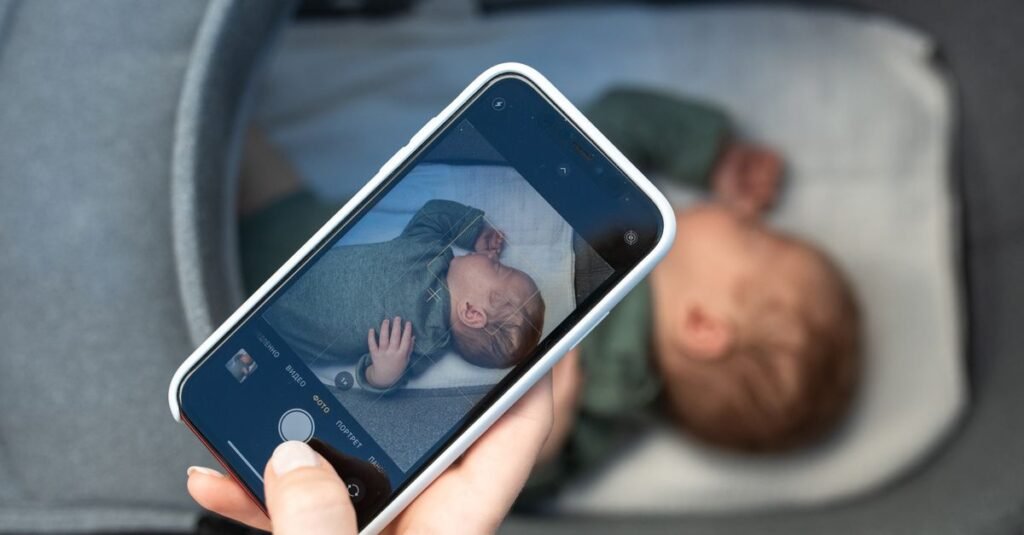
Babies sleep in the dark; the monitor’s real job is infrared night vision that renders a clear, non-grainy image. 1080p-class resolution is the modern floor — 480p cameras turn your baby into a pixel ghost. Pan-tilt-zoom earns its cost the day the baby starts relocating around the crib; fixed wide-angle suits minimalists.
Range (Discount the Box)
Advertised range is open-field fantasy; walls eat signal. Rule of thumb: knock 40% off the number, and look for 1,000+ feet advertised if you have a large or dense-walled home. The real-world test: parent unit at the far kitchen, camera in the nursery, during the return window.
Battery (The 2 A.M. Spec)
The parent unit should survive a full night off the charger: 8+ hours screen-on, 12+ audio-only. Units that die at hour five manufacture exactly the anxiety they were bought to prevent.
Audio (The Actual Core Feature)
Clear sound without hiss, adjustable sensitivity (so the unit wakes you for crying, not every rustle), sound-activated screen wake, and two-way talk — which matters more at eighteen months than at newborn stage, but matters.
The Noise Tier
Built-in lullabies (your phone does this), temperature sensors (nice, rarely accurate to more than a degree — a nursery thermometer costs little), color night-lights, and cry-detection AI of enthusiastic accuracy. None of these should decide a purchase.

The Vitals Question (Socks, Sensors, and Sleep)
Pulse-oximetry socks and breathing-motion sensors occupy the anxious frontier of this category, and deserve the gentle honest paragraph: they are consumer wellness devices, not medical equipment; no monitor prevents sleep emergencies, and pediatric guidance consistently emphasizes safe-sleep practice — back-sleeping, clear crib, right room temperature — as the evidence-backed protection.
For most families, a quality video monitor plus safe-sleep practice is the complete setup. Vitals devices suit some households (parental anxiety that measurably eases with data is a real benefit; some parents of preemies use them post-NICU with their pediatrician’s input) — but false alarms are common, the subscription tiers run steep, and any actual medical concern belongs in a pediatrician conversation, not a checkout cart. Ask your pediatrician; that consultation is free with the visit and calibrated to YOUR baby.
Setup: The Rules That Outrank Every Feature
The cord rule, first and absolute: camera and cords mounted a minimum of three feet from any part of the crib — corded cameras within reach are a documented strangulation hazard. Wall-mount high and angled down (the overwatch view is better anyway), route cords through a cover, or choose battery placement for awkward rooms.
Placement for usefulness: high corner views beat crib-rail closeups; angle to see the whole mattress; avoid pointing at windows (infrared glare washes the image). Test night vision on night one, not need one.
WiFi hygiene, if you chose that fork: change the default password immediately, enable two-factor authentication, update firmware on schedule, and put the camera on the router’s guest network if it offers one. Every monitor-hacking story in circulation is a default-settings story — boring diligence is the whole defense. Our childproofing guide and home security device guide carry the broader home-safety picture.
Matching Monitor to Household (The Quick Sorter)
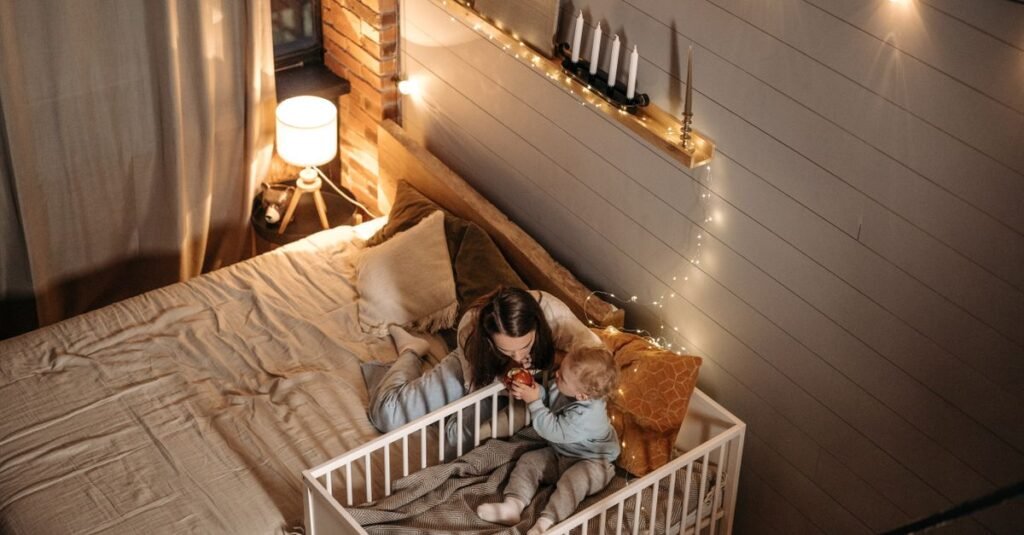
Home-based parent, apartment or mid-size house: non-WiFi, mid-range, PTZ if budget allows — the reliability camp’s sweet spot.
Travel-heavy or office-working parents: WiFi with a fee schedule you’ve actually read, or the dual-mode hedge.
Two kids or twins: dual-camera support with split-screen on one parent unit — buy it in the first purchase; retrofits annoy.
Big property, thick walls: range is your first spec; test during the return window.
The anxious-by-design parent (loving hello): the best monitor is the one that reduces checking, not the one that maximizes data — sometimes that is genuinely the simpler unit, plus the safe-sleep setup from our nursery guide and an early bedtime for yourself.
Whichever you choose, buy from a seller with easy returns and test range, night vision, and battery in week one — the specs on the box are marketing; the specs in your house are the purchase.
The Second Life (Monitors After the Baby Era)
A good monitor retires into surprisingly useful second careers, which quietly improves the original purchase math: the toddler-room years (door-line monitoring after the crib era — often the heaviest-use season), the sick-kid setup (temporary monitoring during rough nights at any age), the pet camera (the WiFi tier especially — separation-anxiety diagnosis is its genuine specialty), and the elder-care loaner some families eventually route it to.
Practical notes for the second life: replace the parent-unit battery if it survives to year three (they fade like all batteries), factory-reset before repurposing a WiFi unit, and re-run the cord-safety rule in every new room it enters — the three-foot line applies to toddler beds and pet crates alike.
Frequently Asked Questions
Should I get a WiFi or non-WiFi baby monitor?
Non-WiFi for privacy, reliability, and zero fees if you’re home when baby sleeps; WiFi for remote phone access and sleep data if you travel or work away — accepting app dependence and possible subscriptions. Dual-mode units now hedge the fork at a premium.
What specs actually matter in a baby monitor?
Four: clean 1080p-class night vision, real through-wall range (discount box claims ~40%), 8+ hours of parent-unit battery, and clear adjustable audio. Lullabies, temperature readouts, and cry AI are garnish.
Are vitals-tracking baby monitors worth it?
They’re wellness devices, not medical ones — no monitor prevents emergencies, and safe-sleep practice remains the evidence-backed protection. If vitals data would genuinely ease your household’s anxiety, discuss it with your pediatrician first.
Can baby monitors be hacked?
Non-WiFi units effectively can’t — there’s no internet surface. WiFi units are as secure as their settings: change the default password, enable two-factor, and update firmware. Documented incidents overwhelmingly involve skipped basics.
Where should I mount the baby monitor camera?
High and angled down, with camera and cords at least three feet from every part of the crib — cords within reach are a strangulation hazard. Avoid window-facing angles that blind the infrared.
How long do families actually use a baby monitor?
Commonly two to four years per child — through toddler-bed transitions and into early independent sleep. Buying decent quality once beats replacing a flaky unit mid-sleep-regression, and dual-camera support future-proofs sibling plans.
Troubleshooting the Unit You Already Own
Half of monitor complaints are settings, not hardware. Video dropouts and static: usually WiFi congestion or radio interference — move the camera off the router’s crowded channel, relocate cordless-phone bases and microwaves out of the signal path, and for non-WiFi units, re-pair per the manual before assuming failure.
The screeching feedback loop: parent unit too close to the camera — two rooms of separation minimum. False-alarm sound alerts every twenty minutes: sensitivity set for a library, not a nursery with a fan — drop it one notch until the sound machine stops triggering wake-ups.
Battery dying by 3 a.m.: screen-always-on mode is the culprit — sound-activated wake extends most units past the full night, and a bedside charging cradle covers the rest. Grainy night image: infrared lens dusty (wipe it), camera facing a window (move it), or the room genuinely too bright for IR contrast (dimmer night-light).
And the app-tier frustration — logged out at 2 a.m., firmware update mid-nap: keep the app updated on YOUR schedule (weekend afternoons), never auto-update overnight, and screenshot the settings page once configured so any reset restores in minutes.
The Privacy Conversation (Beyond the Password)
A WiFi monitor is a camera in your child’s room, and the privacy audit deserves five adult minutes. The data questions: does the brand process video locally or in the cloud, is footage encrypted in transit and at rest, what does the privacy policy actually claim rights to, and can you delete clips permanently? Brands answering plainly earn the purchase; brands burying it in legalese are telling you something too.
The household rules that matter as much as the settings: who has app access (and removing an ex-sitter’s login the day access ends), whether the feed shows on shared devices where guests scroll, and the camera’s retirement plan — factory reset BEFORE resale or disposal, because second-hand cameras with first-hand accounts are a documented mess.
And the perspective note: none of this is fear fuel — a sensibly configured monitor is safer than most phones in the house. It is simply the same diligence the front-door lock gets, applied to the newest window into the home. Configure once, review yearly, sleep fine.
The Last Word on Monitor Anxiety
A closing note from every veteran parent thread: the monitor serves sleep — yours. If checking the feed has become the new insomnia, turn the screen to sound-activated, trust the safe-sleep setup you built, and let the machine hold the watch it was hired for. The best review any monitor earns is a parent who stopped thinking about it by week two.
One purchase-day reminder: buy from a retailer with painless returns, and treat the first two weeks as the real spec sheet — range in YOUR walls, battery through YOUR nights, night vision over YOUR crib. The box promised averages; the return window is where your household’s actual monitor gets chosen.
The Bottom Line
Pick your fork first — sealed-link simplicity or connected access — then spend on the four specs that perform at 2 a.m.: night vision, range, battery, audio. Mount it cord-safe, set it up like you mean the security settings, and let safe-sleep practice do the real protecting.
The best monitor is the one you stop thinking about — which was, after all, the entire point of buying one.

I'm Nasir Uddin Khan, founder of HomeNeeds24 and a senior IT consultant with 18+ years' experience in Oracle database administration, enterprise infrastructure and ERP system design. I write the buying guides here and I build every calculator on the site myself, from published engineering standards rather than opinion. My research is structured rather than lab-based: manufacturer specifications, safety and efficiency standards, and the trade-offs that repeat across large volumes of verified customer reviews. Where I have direct hands-on experience — smart home, networking, energy and anything computer-adjacent — I say so in the guide.