
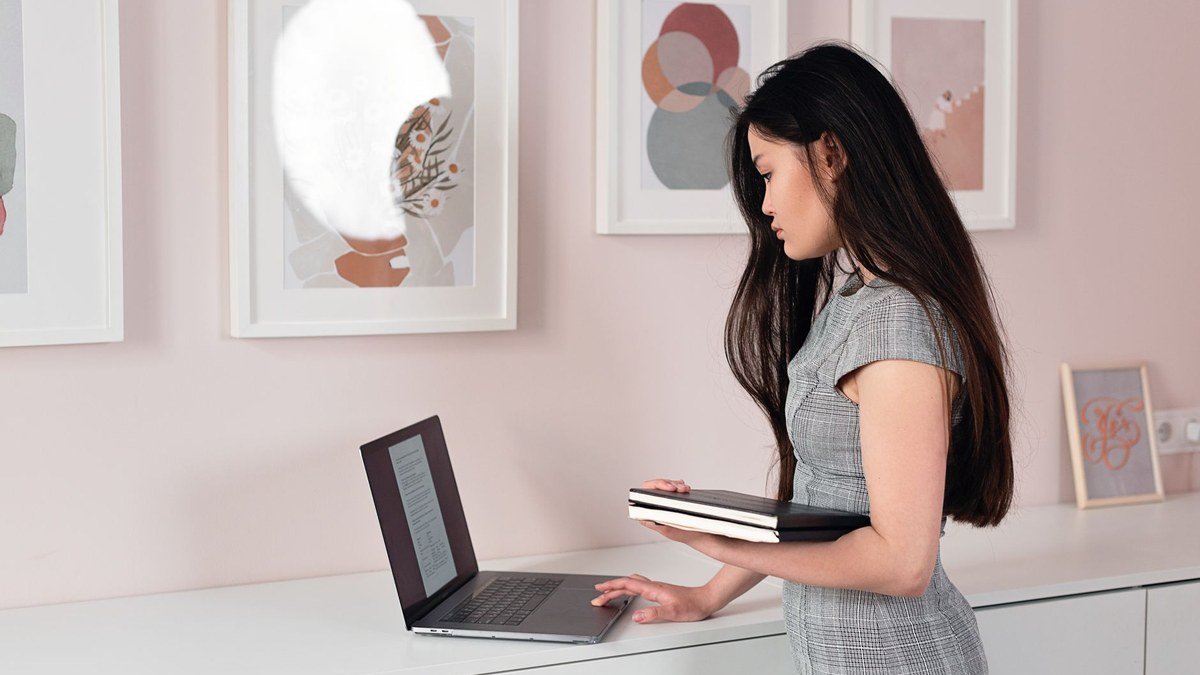
Sitting all day takes a toll — on your back, your energy, and your focus. A standing desk lets you alternate between sitting and standing through the day, which can ease back and neck strain, boost energy, and make long work sessions more comfortable. But standing desks range from simple risers to powered sit-stand desks, and the right choice depends on your space, budget, and how you work. This guide explains how to choose the best standing desk for your home office.
Also Read


Why Use a Standing Desk?
The benefit isn’t standing all day — it’s the ability to switch between sitting and standing. Alternating positions reduces the stiffness, back and neck discomfort, and sluggishness that come from sitting motionless for hours. Many people find a standing desk helps them feel more energized and focused, and simply more comfortable over a long workday. The key is movement and variety, not standing rigidly for eight hours.
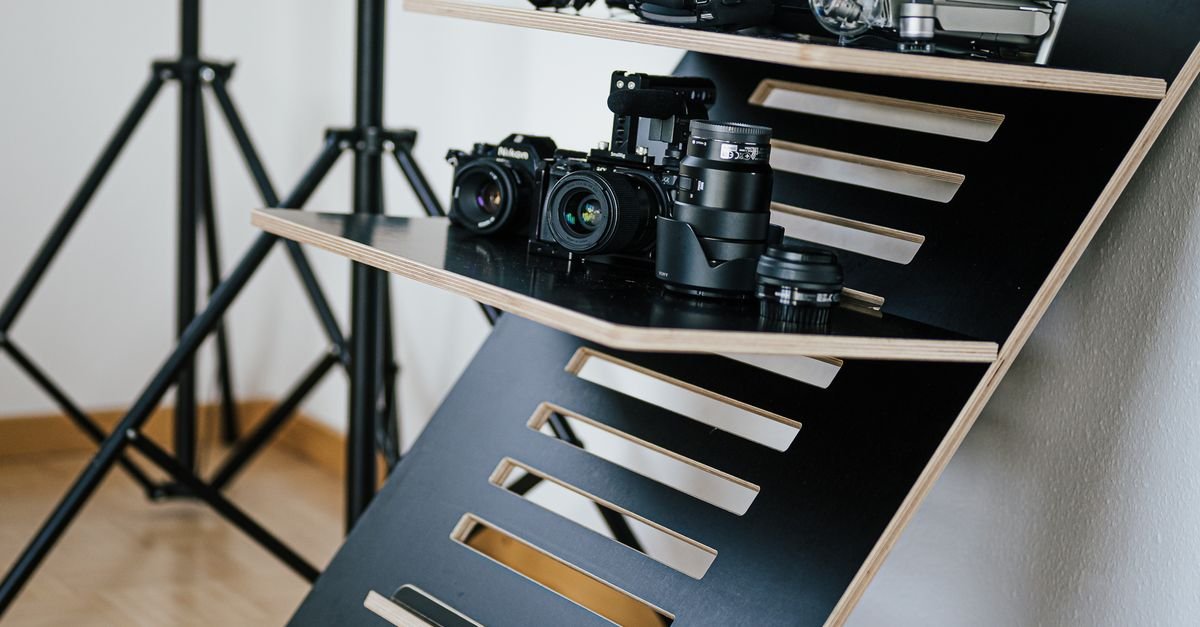
Types of Standing Desks
Full Sit-Stand Desks (Electric)
A motorized desk adjusts smoothly between sitting and standing heights at the push of a button, often with memory presets. These are the most convenient and ergonomic option — ideal if you’ll switch positions frequently — though they cost more and take up dedicated space.
Manual / Crank Desks
Adjusted by a hand crank, these are more affordable than electric but slower and more effortful to change, so you may switch positions less often.
Desktop Converters (Risers)
A desk-top riser sits on your existing desk and lifts your monitor and keyboard to standing height. It’s the budget-friendly, space-saving way to get sit-stand benefits without replacing your whole desk — great if you’re not ready to commit to a full desk.
As an Amazon Associate, HomeNeeds24 earns from qualifying purchases.
What to Look For
- Height range — make sure it adjusts properly for your height both sitting and standing (taller and shorter users should check the range).
- Stability — a good desk stays steady at standing height without wobbling; sturdier frames cost more but are worth it.
- Surface size — enough room for your monitor(s), keyboard, and accessories.
- Weight capacity — it should comfortably hold your equipment, especially with multiple monitors.
- Adjustment ease — electric with memory presets is most convenient; manual is cheaper but slower.
- Build quality — a stable, durable frame is more important than fancy extras.
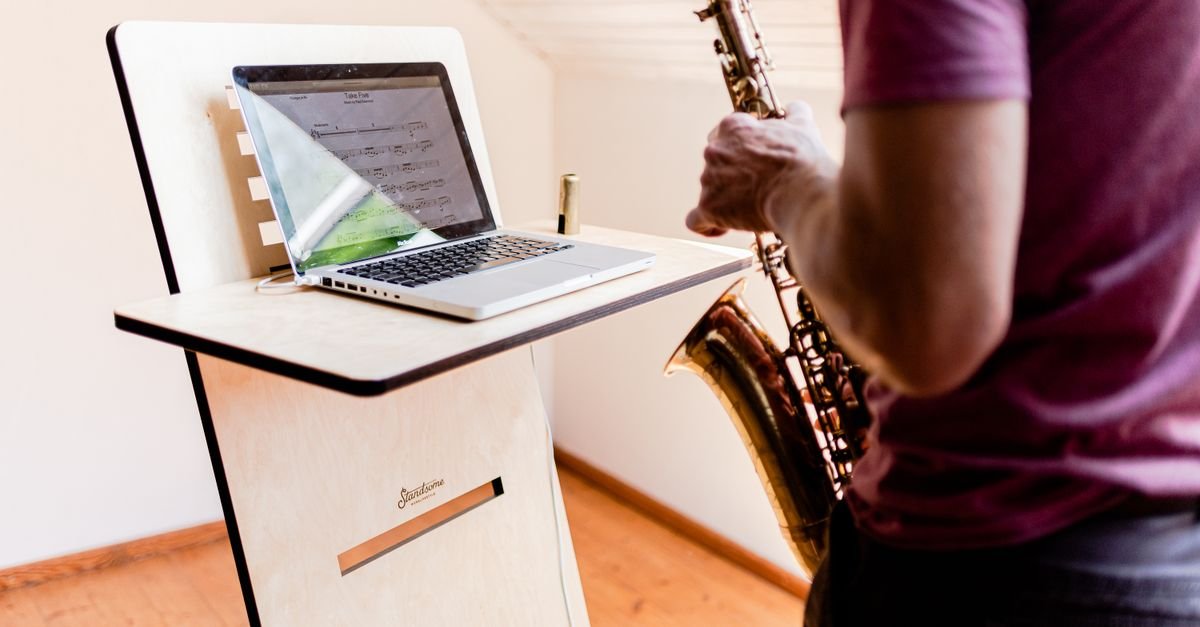
Set It Up Ergonomically
A standing desk only helps if it’s set up right. When standing, your elbows should be at about a 90-degree angle and your screen at eye level so you’re not hunching or looking down. The same applies seated. An anti-fatigue mat makes standing far more comfortable, and supportive footwear helps too. Position your monitor an arm’s length away. Good ergonomics — in both positions — is what actually protects your body.
How to Use It Well
Don’t go from all-sitting to all-standing overnight — ease in. Start by standing for short periods and gradually increase, aiming to alternate throughout the day (a common approach is switching every 30–60 minutes). Listen to your body, take breaks, and move around. The goal is regular position changes and more overall movement, not standing until your feet ache. Variety is what delivers the benefits.

Frequently Asked Questions
Are standing desks worth it?
For many people, yes — the ability to alternate between sitting and standing can reduce back and neck discomfort and boost energy and focus during long work sessions. The benefit comes from switching positions and moving more, not standing all day.
Electric or manual standing desk — which is better?
Electric desks adjust effortlessly at the push of a button (often with presets), so you switch positions more often — the most convenient choice. Manual crank desks are cheaper but slower to adjust. A desktop converter is the budget, space-saving option.
How long should I stand at a standing desk?
Alternate throughout the day rather than standing constantly — many people switch every 30 to 60 minutes. Ease in gradually, listen to your body, and focus on regular movement and position changes.
Do I need an anti-fatigue mat?
It’s highly recommended — standing on a hard floor for long periods is tiring, and a cushioned anti-fatigue mat makes standing much more comfortable, helping you stand longer without discomfort.
Key Takeaways
- The benefit of a standing desk is alternating between sitting and standing — not standing all day.
- Choose between a full electric desk (most convenient), a manual desk (cheaper), or a desktop converter (budget/space-saving).
- Prioritize a proper height range, stability, surface size, and weight capacity.
- Set it up ergonomically — elbows at ~90°, screen at eye level — and use an anti-fatigue mat.
- Ease in gradually and switch positions regularly for the real benefits.
A standing desk — whether a full sit-stand model or a simple riser — is a worthwhile upgrade for a healthier, more comfortable home office. Pick the type that fits your space and budget, set it up ergonomically, and alternate positions through the day. For more, explore our home and office guides.

I'm Nasir Uddin Khan, founder of HomeNeeds24 and a senior IT consultant with 18+ years' experience in Oracle database administration, enterprise infrastructure and ERP system design. I write the buying guides here and I build every calculator on the site myself, from published engineering standards rather than opinion. My research is structured rather than lab-based: manufacturer specifications, safety and efficiency standards, and the trade-offs that repeat across large volumes of verified customer reviews. Where I have direct hands-on experience — smart home, networking, energy and anything computer-adjacent — I say so in the guide.