
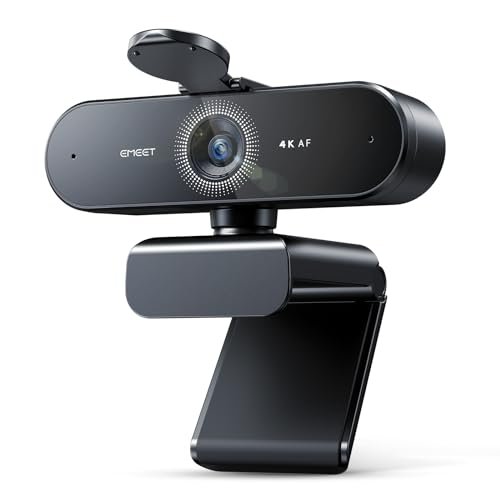
If you stream, create content, or just want to look sharp on calls, a 4K webcam delivers a level of clarity a standard 1080p camera simply can’t match. But “4K” alone doesn’t guarantee a good picture — sensor quality, frame rates, lighting, and autofocus all matter just as much. This guide explains what to look for in a 4K gaming webcam, whether you actually need 4K, and how to get the best possible image from whatever you buy.
Also Read


What Does 4K Resolution Actually Mean?
4K (also called Ultra HD) means roughly 3840 x 2160 pixels — about four times the detail of 1080p Full HD. On camera, that translates to crisper facial detail, cleaner text on overlays, and more flexibility to crop or zoom without the image falling apart. For streamers and creators who want a professional-looking feed, that extra resolution is a real, visible upgrade — provided the rest of the camera can keep up.
Do You Actually Need a 4K Webcam?
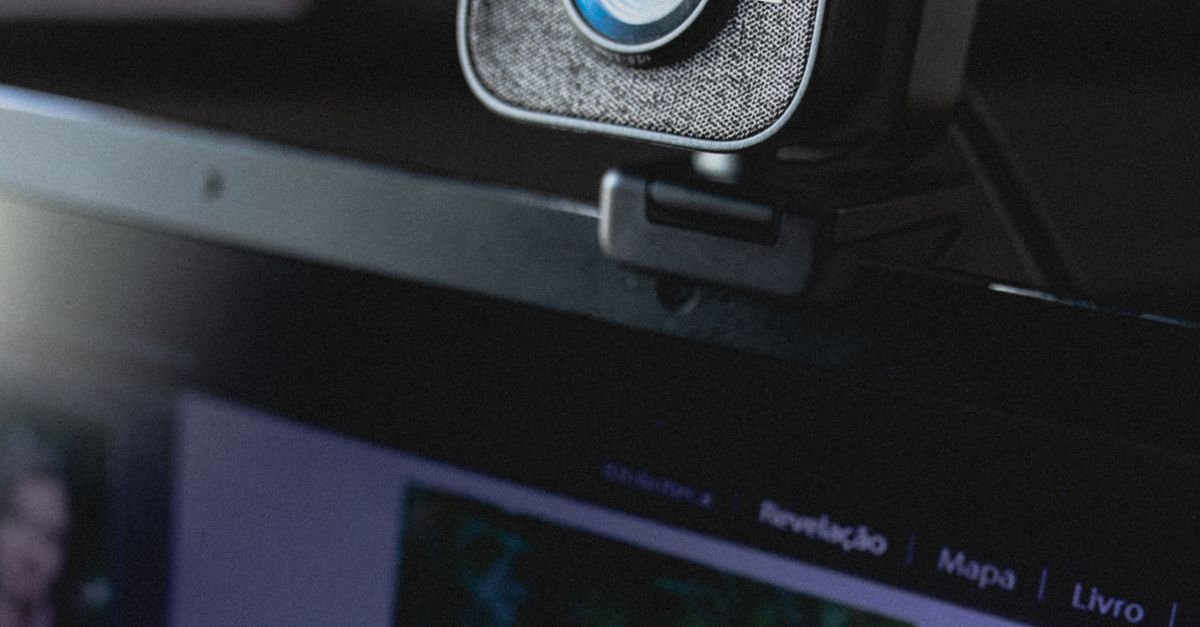
Be honest about your use case before spending more. 4K shines if you record or stream content where image quality is part of the product, if you want to crop into the frame while keeping detail, or if you simply want the best possible picture. But if you mostly do video calls, many platforms compress or cap the stream below 4K anyway, so a high-quality 1080p camera can look just as good for far less. Buy 4K when you’ll genuinely use the resolution — not just for the number on the box.
Key Features to Look For Beyond Resolution
Frame Rate
Resolution sets detail; frame rate sets smoothness. Many 4K webcams only hit 4K at 30fps, dropping to 1080p for 60fps. For gaming and fast movement, smooth 60fps often matters more than raw resolution, so check both numbers and decide which you’ll prioritize.
Autofocus and Low-Light Performance
Reliable autofocus keeps you sharp as you lean in and out of frame, and good low-light handling keeps the image clean in a dim gaming room. A larger sensor and quality lens matter more here than the headline resolution — a great 1080p sensor can beat a cheap 4K one in poor lighting.
Field of View
A wider field of view captures more of your background and setup; a narrower one keeps the focus tight on your face. Many webcams let you adjust this. Pick based on whether you want to show your space or keep a clean, close framing.
Built-In Microphone
Most webcams include a mic, but serious streamers usually pair a separate microphone for better audio. Treat a built-in mic as a backup rather than a deciding feature.
As an Amazon Associate, HomeNeeds24 earns from qualifying purchases.

You’ll Need the Hardware to Run It
4K video is demanding. To capture and stream it smoothly, you’ll want a capable processor, enough RAM, and ideally a USB 3.0 port for the higher data throughput. Streaming in high resolution also needs solid upload bandwidth. If your PC or connection is older, you may capture in 4K but stream at a lower resolution — another reason to confirm 4K is worth it for your setup before buying.
Lighting Beats Resolution Every Time
Here’s the secret pros know: good lighting improves your image more than any resolution bump. Even a top 4K webcam looks flat and grainy in a poorly lit room, while a modest camera looks great with proper lighting. A simple key light or ring light in front of you — not behind — eliminates shadows and makes your feed look crisp and professional. If you upgrade one thing, make it your lighting.
Positioning and Setup Tips
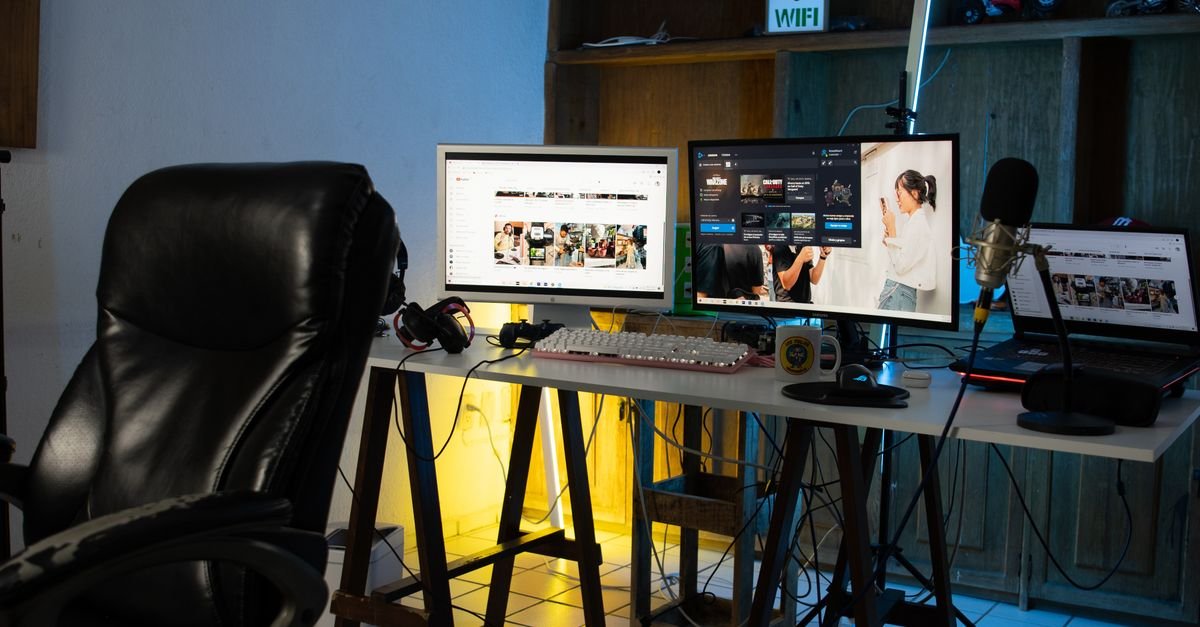
Mount the webcam at or just above eye level for a natural, flattering angle, and keep your main light source in front of you. Avoid sitting with a bright window behind you, which throws your face into shadow. Use a clean or tidy background (or a subtle blur), frame yourself with a little headroom, and run a quick test recording to check focus, exposure, and audio before going live. Small adjustments here make a bigger difference than most people expect.
Frequently Asked Questions
Is a 4K webcam worth it?
It’s worth it if you stream or create content where image quality matters, or want to crop in while keeping detail. For ordinary video calls — which platforms often compress — a quality 1080p webcam can look just as good for less.
What’s more important, 4K or 60fps?
It depends on your use. 4K gives sharper detail, while 60fps gives smoother motion, which matters more for gaming and movement. Many webcams force a trade-off, so check both specs and prioritize what you’ll use.
Do I need a powerful PC for a 4K webcam?
Yes — 4K capture and streaming need a capable processor, enough RAM, a USB 3.0 port, and solid upload bandwidth. On older hardware you may capture in 4K but have to stream at a lower resolution.
What matters most for a good webcam image?
Lighting. Good lighting in front of you improves the picture more than any resolution upgrade. A key light or ring light makes even a modest camera look crisp and professional.
Key Takeaways
- 4K means about four times the detail of 1080p — great for streamers and creators who’ll use it.
- For ordinary calls, a quality 1080p camera often looks just as good since platforms compress video.
- Look beyond resolution: frame rate, autofocus, low-light performance, and field of view all matter.
- 4K needs capable hardware — a fast PC, USB 3.0, and good upload speed.
- Lighting and positioning improve your image more than the camera itself, so invest there too.
A 4K webcam can take your stream or content to a professional level — but only if you’ll use the resolution and pair it with good lighting and hardware. Match the camera to your real needs, light yourself well, and the picture will speak for itself. For more, explore our home tech and gaming guides and the full Gaming & Entertainment collection.

I'm Nasir Uddin Khan, founder of HomeNeeds24 and a senior IT consultant with 18+ years' experience in Oracle database administration, enterprise infrastructure and ERP system design. I write the buying guides here and I build every calculator on the site myself, from published engineering standards rather than opinion. My research is structured rather than lab-based: manufacturer specifications, safety and efficiency standards, and the trade-offs that repeat across large volumes of verified customer reviews. Where I have direct hands-on experience — smart home, networking, energy and anything computer-adjacent — I say so in the guide.