
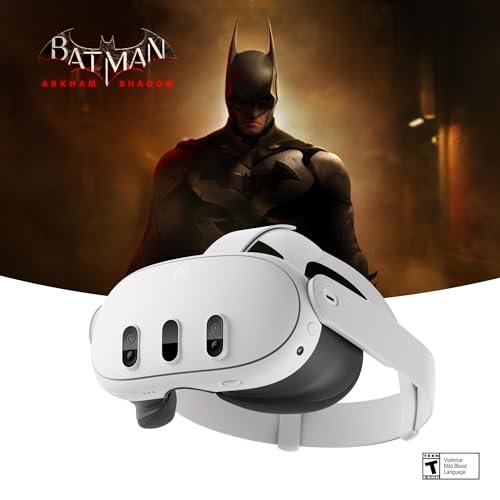
Virtual reality has finally grown up. Today’s VR headsets are more affordable, more comfortable, and more capable than ever — offering genuinely immersive gaming, fitness, and experiences that feel like magic the first time you try them. But the options vary widely in price, power, and how they work, so choosing the right one matters. This guide explains the types of VR headsets, what to look for, and how to pick the best one for immersive gaming.
Also Read


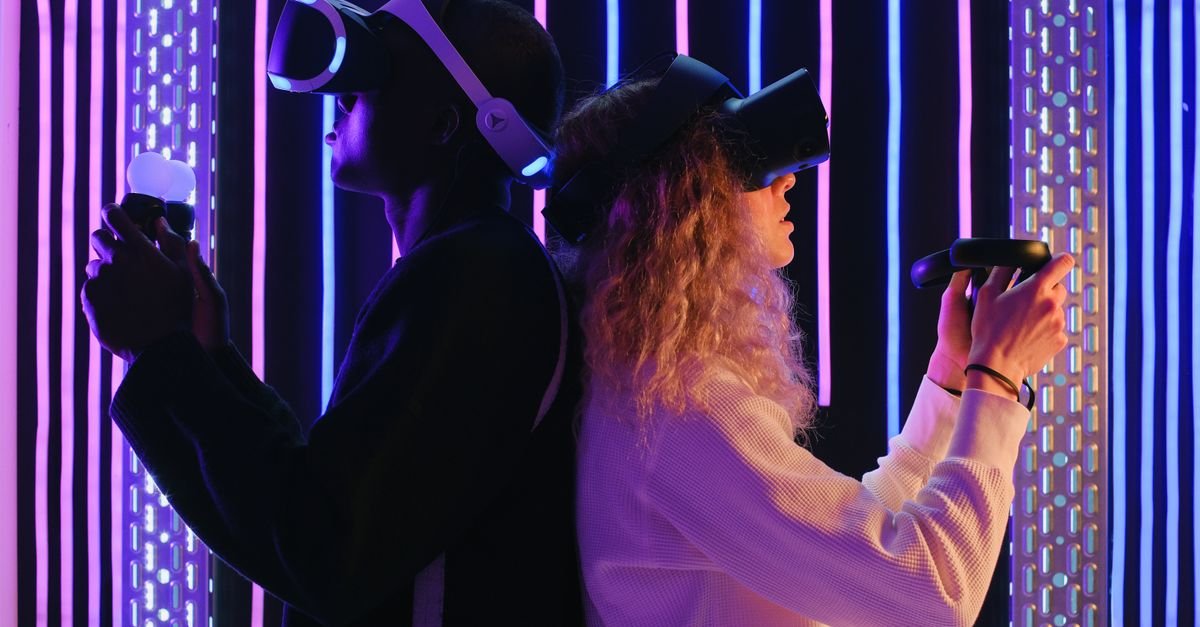
How VR Headsets Work (The Basics)
A VR headset places a screen close to your eyes with lenses that create a 3D, surrounding image, while sensors track your head (and often hand) movements so the virtual world responds as you look and move. The result is “presence” — the convincing feeling of actually being inside the game. The quality of that illusion depends on the display, tracking, comfort, and the library of content available.
Types of VR Headsets
Standalone (All-in-One) Headsets
These have everything built in — processor, screens, and battery — so they work without a PC or console or any wires. They’re the most popular type today because they’re affordable, easy to set up, and let you play anywhere. The trade-off is that their graphics power is more limited than a PC-driven setup, though modern standalone headsets are impressively capable. For most people, a standalone headset is the best starting point.
PC-Connected (Tethered) Headsets
These connect to a gaming PC, which does the heavy lifting — delivering the most powerful graphics and the most demanding VR experiences. They require a capable (and often pricey) computer and usually a cable, but they offer the highest-fidelity gaming. Best for serious gamers who already have, or will invest in, a strong gaming PC. Note that some standalone headsets can also connect to a PC, giving you both options.
Console VR
Some game consoles have their own VR headsets that plug into the console. These offer a polished, plug-and-play VR experience within that console’s ecosystem and game library, ideal if you already own that console and want VR without a separate PC.
What to Look For in a VR Headset
- Display quality (resolution): higher resolution means a clearer, more immersive image with less of the “screen door” effect.
- Refresh rate: higher refresh rates make motion smoother and reduce the chance of motion discomfort.
- Field of view: a wider field of view feels more immersive and natural.
- Tracking: good head and controller tracking is essential for accurate, responsive movement; “inside-out” tracking (cameras on the headset) needs no external sensors.
- Comfort & fit: weight, balance, padding, and adjustability matter a lot — you wear it on your face for long sessions.
- Content library: the games and apps available for the platform make or break the experience — check that the titles you want are supported.
As an Amazon Associate, HomeNeeds24 earns from qualifying purchases.
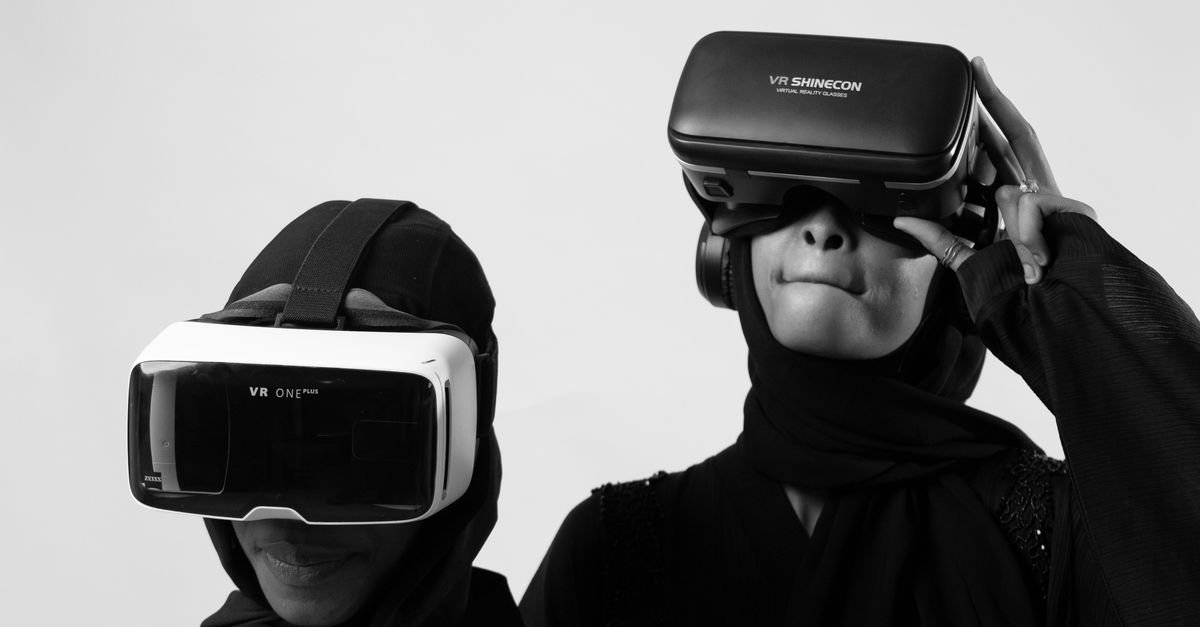
Comfort & Practical Considerations
Comfort is the most underrated factor — a powerful headset you don’t want to wear for more than ten minutes isn’t worth much. Look for a balanced design, comfortable face padding, and an adjustable head strap; some users upgrade the strap for longer sessions. Consider weight, whether it fits over glasses (or supports prescription lens inserts), and battery life for standalone models. Also plan your play space: room-scale VR needs clear floor area, so make sure you have room to move safely.
VR Beyond Gaming
While gaming is the headline use, modern VR does much more — immersive fitness and workout apps, virtual travel and experiences, social spaces, creative tools, and even productivity. If you’re weighing the cost, remember the headset can be a fitness device and an experience platform too, which adds real value beyond games. This versatility makes VR easier to justify for the whole household.
Is VR Worth It, and Which Should You Choose?
For most newcomers, an affordable standalone headset is the best entry point — no PC required, easy setup, play anywhere, and a strong content library. If you’re a serious gamer with a powerful PC (or willing to buy one), a PC-connected (or PC-capable) headset delivers the highest fidelity. If you’re committed to a particular console, its console VR is a polished option. Match the headset to your budget, your existing hardware, and whether you prioritize convenience or maximum graphics. And if you can, try one before buying — comfort and motion-comfort are personal.
Frequently Asked Questions
What is the best type of VR headset for beginners?
A standalone (all-in-one) headset — it needs no PC or console, sets up easily, plays anywhere, and has a strong content library, making it the best entry point for most people.
Do I need a gaming PC for VR?
Not necessarily. Standalone headsets work on their own. You only need a gaming PC for PC-connected headsets, which deliver the most powerful graphics for demanding VR.
What should I look for when buying a VR headset?
Display resolution, refresh rate, field of view, tracking quality, comfort and fit, and the content library. Comfort and the available games matter as much as raw specs.
Is VR good for more than gaming?
Yes — modern VR includes fitness apps, virtual travel and experiences, social spaces, and creative and productivity tools, which adds value beyond games.
Key Takeaways
- VR creates immersive “presence” through close screens, lenses, and motion tracking.
- Types: standalone (easiest, best for most), PC-connected (most powerful), and console VR.
- Look at resolution, refresh rate, field of view, tracking, comfort, and content library.
- Comfort and play space are as important as specs for real enjoyment.
- Standalone suits beginners; PC-connected suits serious gamers — match to budget and hardware.
VR has reached the point where it delivers genuine, jaw-dropping immersion at reasonable prices. Choose the type that fits your budget and setup, prioritize comfort and content, and you’ll have an experience like nothing else in gaming. For more, visit our home tech guides and the full Gaming & Entertainment collection.

I'm Nasir Uddin Khan, founder of HomeNeeds24 and a senior IT consultant with 18+ years' experience in Oracle database administration, enterprise infrastructure and ERP system design. I write the buying guides here and I build every calculator on the site myself, from published engineering standards rather than opinion. My research is structured rather than lab-based: manufacturer specifications, safety and efficiency standards, and the trade-offs that repeat across large volumes of verified customer reviews. Where I have direct hands-on experience — smart home, networking, energy and anything computer-adjacent — I say so in the guide.